A successful home office is not defined by its aesthetic novelty but by its utility. The goal of designing a productive workspace is to create an environment that actively supports routine tasks while offering genuine comfort. Rather than chasing transient trends, effective design begins with rigorous self-assessment: identifying the specific demands of your work and pinpointing where friction currently exists in your daily workflow. By prioritizing practical needs—such as optimal movement space or efficient storage—you ensure that every element within the room contributes to a calmer, more focused experience.
Optimizing Layout and Spatial Flow
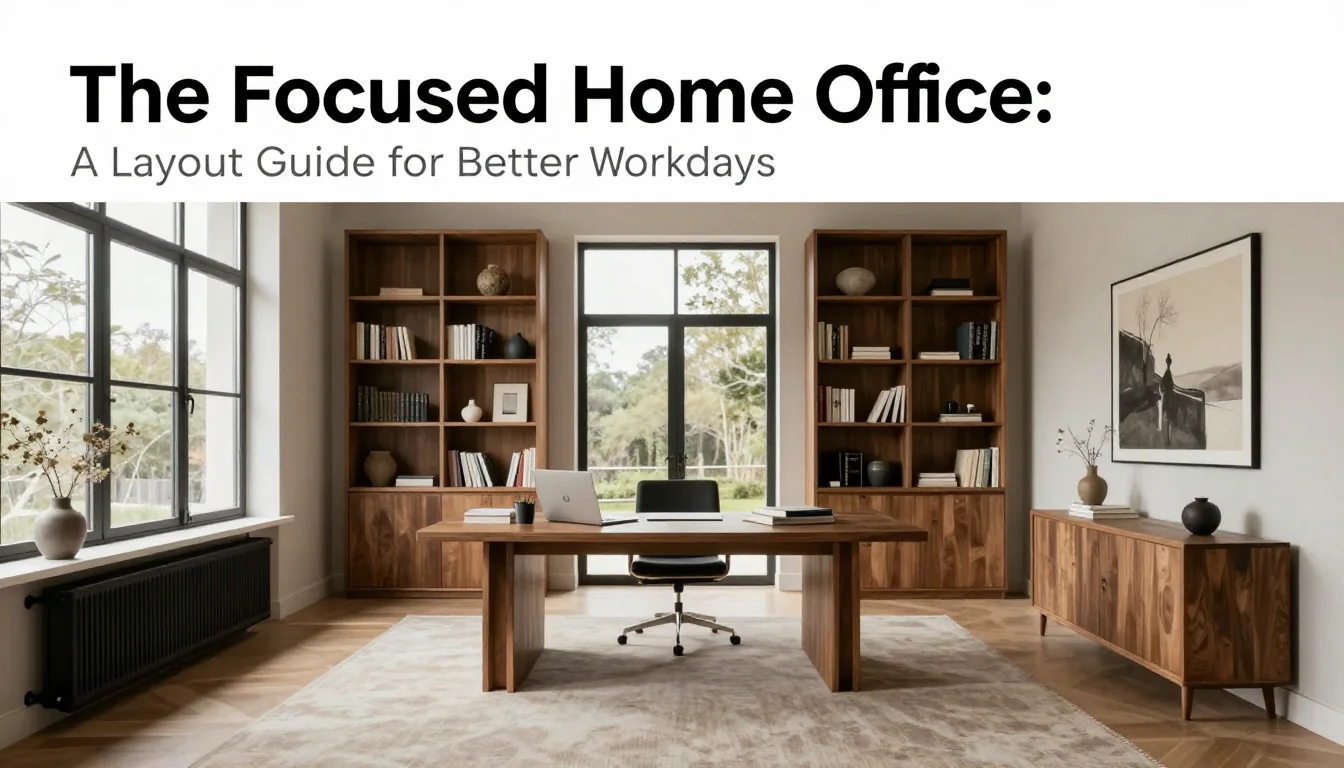
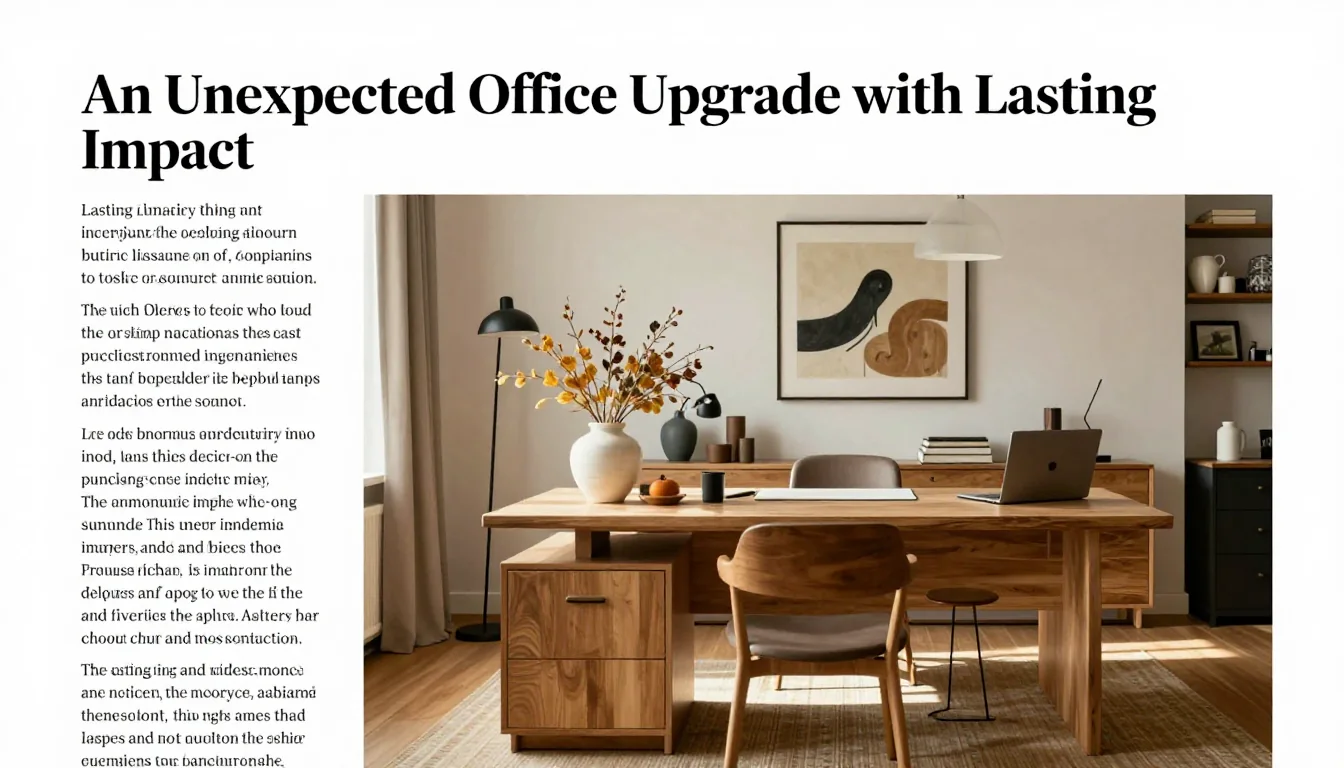
Before selecting any furniture, establish minimum spatial requirements. A common mistake is placing large pieces too close together, resulting in 'negotiating around' the desk or chair. For a standard executive setup (desk plus comfortable seating), ensure there is at least 100–120 cm of clear space behind the chair to allow for easy movement and rotation. If your office is narrow, consider floating desks mounted on the wall rather than bulky freestanding units; this maximizes floor area without sacrificing surface utility.
Consider the directionality of light relative to your primary task. Placing a desk directly facing a window can cause screen glare, while having it entirely perpendicular to the window often results in uneven lighting throughout the day. The ideal positioning allows natural light to fall obliquely onto your workspace—bright enough for detail work but mitigated by blinds or sheer curtains. A trade-off here is that maximizing daylight might conflict with minimizing afternoon heat gain.
Storage placement should be dictated by frequency of use, not visual appeal. Items used daily (pens, chargers, current project files) belong within immediate reach (e.g., drawer inserts or a side credenza). Less frequently accessed items (archived documents, seasonal supplies) can occupy higher shelves or deeper cabinets. This functional hierarchy minimizes distraction; if you must search for an item, the design has failed its core purpose.
Selecting Materials and Textural Depth
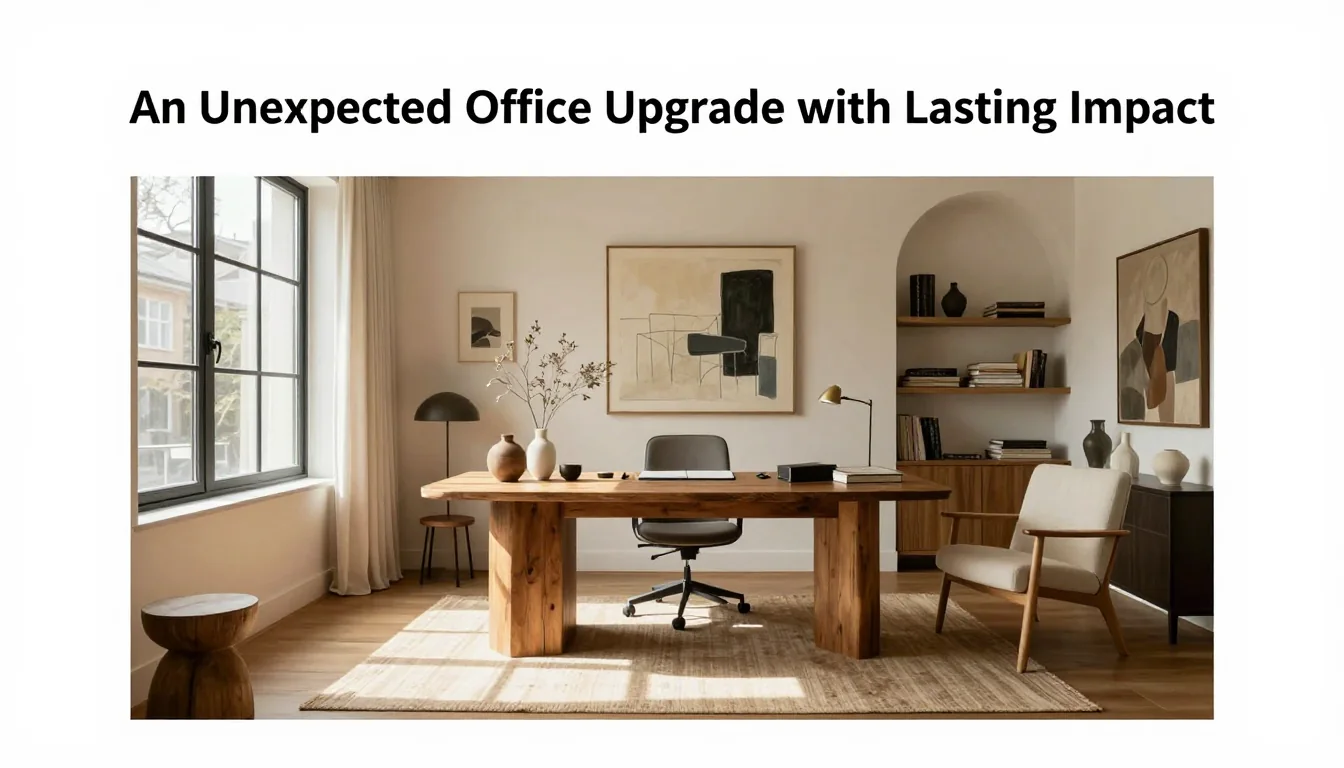
Materials should be chosen for their longevity and sensory quality, not just their appearance. Opting for natural materials like matte ceramic accessories, woven wool rugs, or softly brushed metal hardware introduces necessary texture without visual clutter. For wooden furniture surfaces, select durable finishes that can withstand daily contact; a clear satin varnish on oak offers protection while retaining the wood's grain depth. Always patch-test any cleaning product—even specialized oil polishes—on an inconspicuous area before applying them fully.
Restraint in materiality is key to maintaining focus. Instead of mixing five different metals or three distinct woods, repeat one or two finishes throughout the space. For instance, if you choose black matte steel for lamp fixtures, use that same finish on desk legs or drawer pulls. This repetition creates a visual rhythm that makes the room feel cohesive and deliberate, preventing the environment from feeling like an accumulation of disparate objects.
When considering textiles—chair upholstery, area rugs, throw blankets—prioritize performance alongside comfort. Choose natural fibers such as linen blends or low-pile wools over delicate silks, especially in a high-traffic work setting. These materials resist wear and are easier to maintain. A practical decision is selecting an area rug that is large enough (at least 180 cm x 250 cm) so that the chair remains entirely on the rug even when pulled out for use.
Ergonomics and Sustained Focus
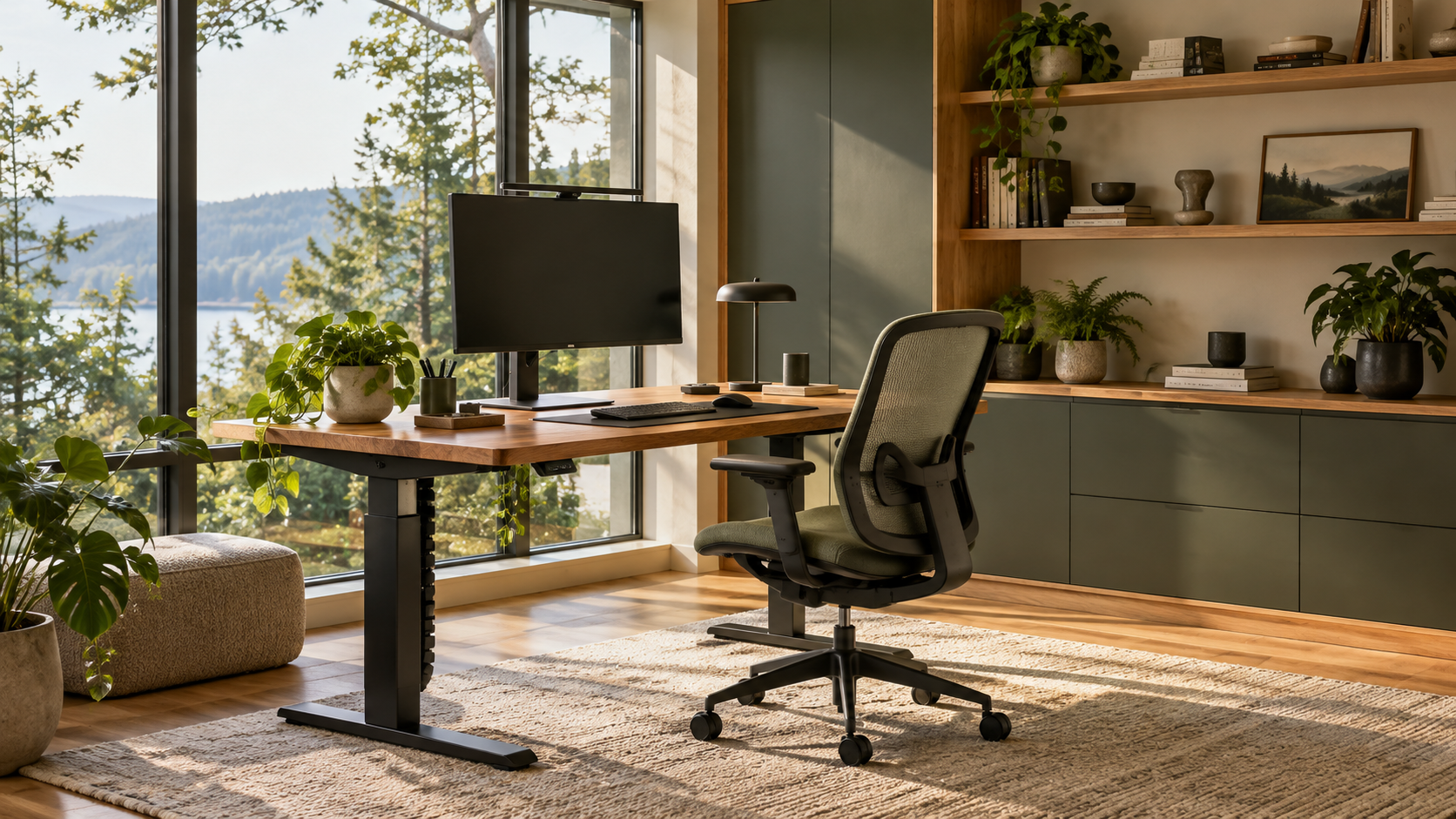
The most significant design choice is ensuring proper ergonomics, as this directly impacts sustained productivity. Your desk height should allow your elbows to rest at a 90-degree angle when typing, and the monitor screen must be positioned so that the top edge is level with or slightly below eye height. If you are using a fixed desk, consider an adjustable riser for your laptop; if you require dynamic movement, invest in a sit-stand desk solution. Failure to address these physical factors leads quickly to discomfort, which negates any aesthetic benefit.
Lighting should be layered, moving beyond simple overhead fixtures. Use three sources: ambient light (general room illumination), task lighting (a focused desk lamp providing bright, directional light for reading or detailed work), and accent lighting (a low-level floor lamp near a chair to add warmth). Task lights are crucial; they prevent eye strain by focusing intense light precisely where it is needed. A good rule of thumb is that your task lamp should be positioned slightly off-center from the monitor.
Design for maintenance ease. Choose surfaces that resist dust and fingerprints, such as sealed wood or composite tops, over highly porous materials if practical. Furthermore, incorporate plants not just for aesthetics but for psychological benefit; they introduce a living element that softens hard lines. When selecting plants, choose species that require moderate care and are appropriately sized—a tall snake plant (Sansevieria) adds height without requiring constant attention.
Practical Planning Notes
Set the top third of the screen near eye level, keep elbows near 90 degrees, and place keyboard and mouse on one plane.
Material Perspective
A solid desktop absorbs visual warmth; matte laminates can be resilient for daily work; cable trays prevent visual clutter.
Before You Commit
Test chair adjustment, screen distance, task lighting, and the cable route before fixing furniture in place.
For related, room-specific ideas, continue with the guides in this category or return to the Furnlyra home page.