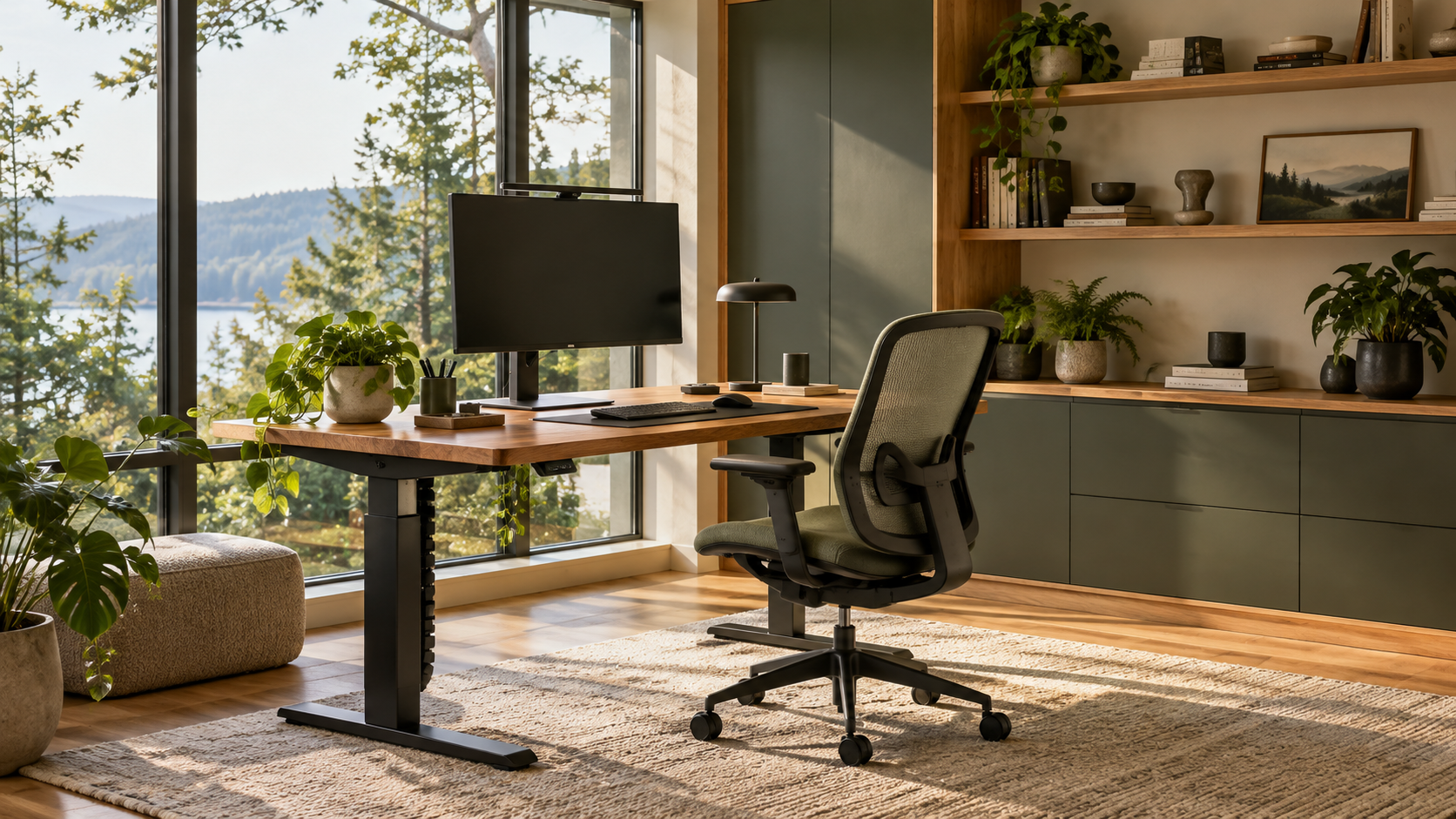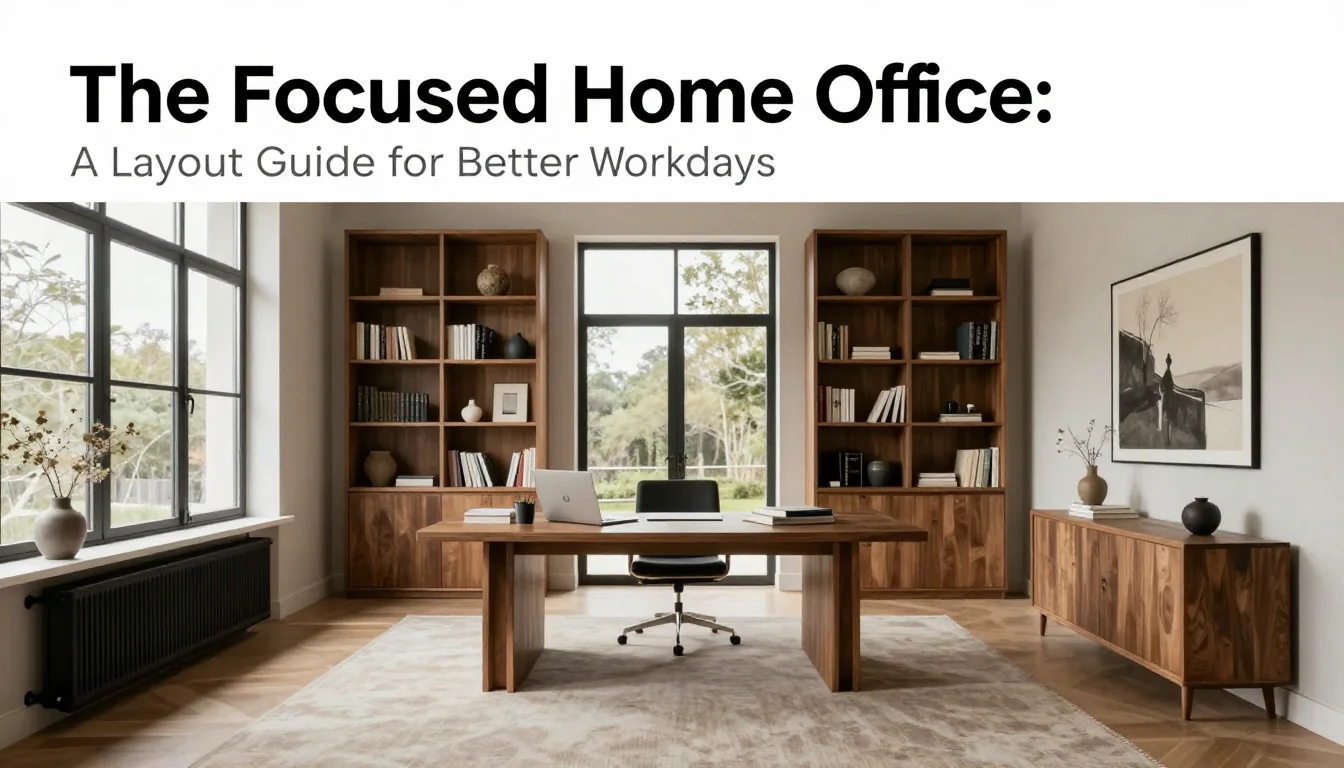
A successful home office is not defined by its aesthetic perfection, but by its functional efficiency. It must be a space that actively supports concentration and minimizes the friction points inherent in remote work. This guide moves beyond surface-level design trends to offer specific, actionable decisions regarding your workspace setup. We focus on three critical pillars: physical ergonomics, visual organization, and atmospheric support—the elements that quietly dictate how well you can perform your best work.
Establishing Ergonomic Integrity
The most immediate improvement to your focus comes from ensuring your body is in a neutral working posture. This starts with the chair and desk relationship. Your desk height should allow your elbows to rest comfortably at roughly 90 degrees when typing, preventing shoulder strain. If you are using a standard desk (typically 72–76 cm high), consider an adjustable sit-stand solution. When seated, ensure your feet are flat on the floor or supported by a footrest, and your knees should be bent close to 90 degrees. A common mistake is forcing a chair that doesn't match your body type; investing in quality lumbar support specific to your spine curve is far more valuable than adding decorative pillows.
Monitor placement is often overlooked but directly impacts neck health and eye fatigue. The top edge of your screen should be positioned at or slightly below eye level, ensuring you are looking downward only minimally. For a standard 27-inch monitor, placing it approximately 50–70 cm away from your face provides optimal viewing distance. If you work on multiple screens, arrange them so that the primary focus point is centered directly in front of you to avoid unnecessary head rotation throughout the day.
The trade-off between visual style and functional ergonomics must be managed consciously. While aesthetically pleasing pieces are desirable, they should never compromise physical health. For instance, a beautiful wooden desk with an unadjustable height forces poor posture. A realistic solution involves pairing high-quality ergonomic accessories—such as wrist rests or specialized keyboard trays—with a well-designed, yet highly functional, primary surface. Always test your setup for at least 30 minutes before declaring it optimal to ensure the adjustments feel natural during routine tasks.
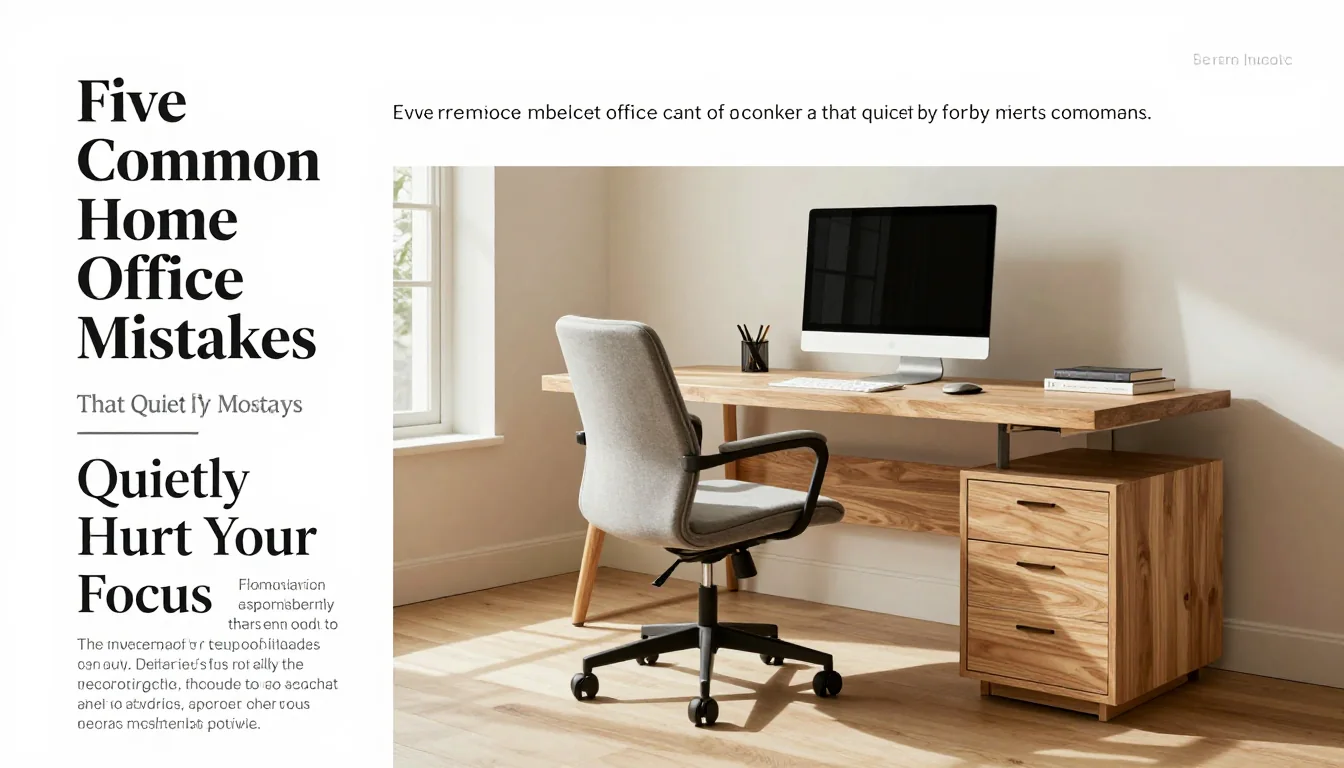
Taming Visual and Digital Clutter
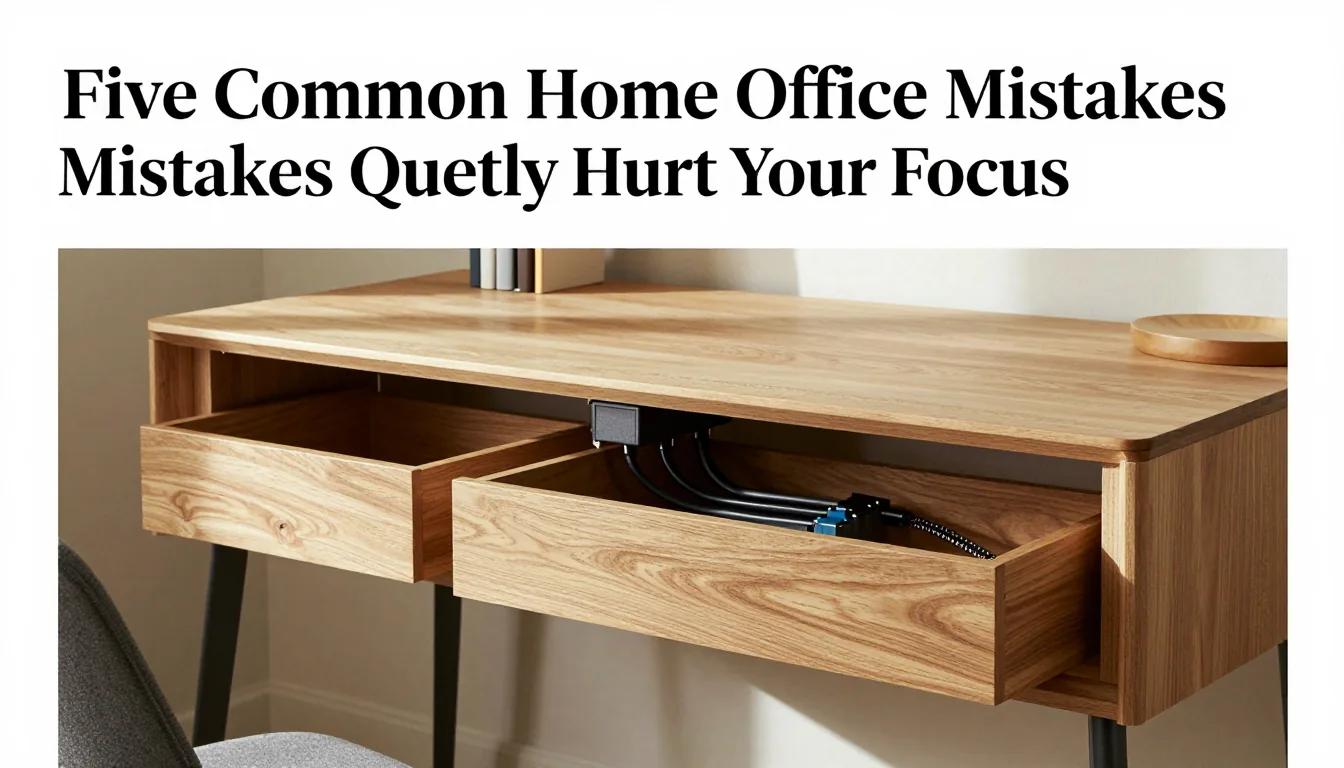
Cable management is not just about neatness; it is a direct reduction of cognitive load. A tangle of wires introduces visual noise that the brain processes unconsciously, draining mental energy. Implement comprehensive cable solutions by utilizing under-desk trays or grommet holes to route power strips and excess wiring entirely off the floor and out of sight. For charging devices, use wireless pads where possible, or employ braided cables with Velcro wraps rather than cheap plastic ties, which can damage wires over time.
Storage design must prioritize closed systems over open shelving when dealing with working materials. While open shelves offer display opportunities, they invite visual distraction. Opt for filing cabinets, credenzas, or desk drawers that allow you to completely conceal paperwork, stationery supplies, and peripheral equipment. When choosing storage units, measure the depth of your desk surface; aim for ancillary furniture (such as side tables) that matches or is slightly less deep than 45 cm to maintain a cohesive visual footprint without encroaching on movement space.
The key to sustained organization is creating designated 'homes' for every item. Before implementing storage, perform an inventory of your current materials and categorize them by frequency of use (Daily, Weekly, Seasonal). Items used daily should be within easy reach (e.g., 30 cm from the primary workspace), while seasonal or archival items must be stored out of sight. The common mistake here is creating a 'catch-all' drawer; instead, segment drawers using dividers to maintain structural order.
Cultivating Atmospheric Focus
Lighting should never rely on a single overhead source. A layered lighting approach—combining ambient (general room light), task (focused light on the desk), and accent (decorative or mood) sources—is essential for reducing eye strain and regulating focus. For focused work, utilize bulbs with a color temperature between 3500K and 4500K (neutral to cool white). This spectrum mimics natural daylight and promotes alertness, whereas warmer tones (under 2700K) are better suited for relaxation zones.
Material selection should support your intended mood. High-gloss surfaces, while visually striking, tend to reflect light harshly, which can be distracting and fatiguing over long periods. Instead, favour matte finishes on desktops, shelving, and furniture frames. Incorporate natural materials like untreated oak or linen textiles; these textures absorb light gently, creating a sense of grounded calm. If you are cleaning wood, always use specific cleaners appropriate for the finish (e.g., oil-based versus lacquer), and always conduct a patch test in an inconspicuous area first.
Biophilic elements—the inclusion of live plants—can significantly improve air quality and reduce stress, supporting cognitive function. Select hardy indoor varieties such as Snake Plants or ZZ Plants, which require minimal maintenance. When placing them near your workspace, ensure they are positioned where they do not obstruct the monitor or create a visual clutter point on your primary working surface. The trade-off to consider is light exposure; place plants near windows that receive bright, indirect light for optimal health and vibrancy.
Practical Planning Notes
Set the top third of the screen near eye level, keep elbows near 90 degrees, and place keyboard and mouse on one plane.
Material Perspective
A solid desktop absorbs visual warmth; matte laminates can be resilient for daily work; cable trays prevent visual clutter.
Before You Commit
Test chair adjustment, screen distance, task lighting, and the cable route before fixing furniture in place.
For related, room-specific ideas, continue with the guides in this category or return to the Furnlyra home page.