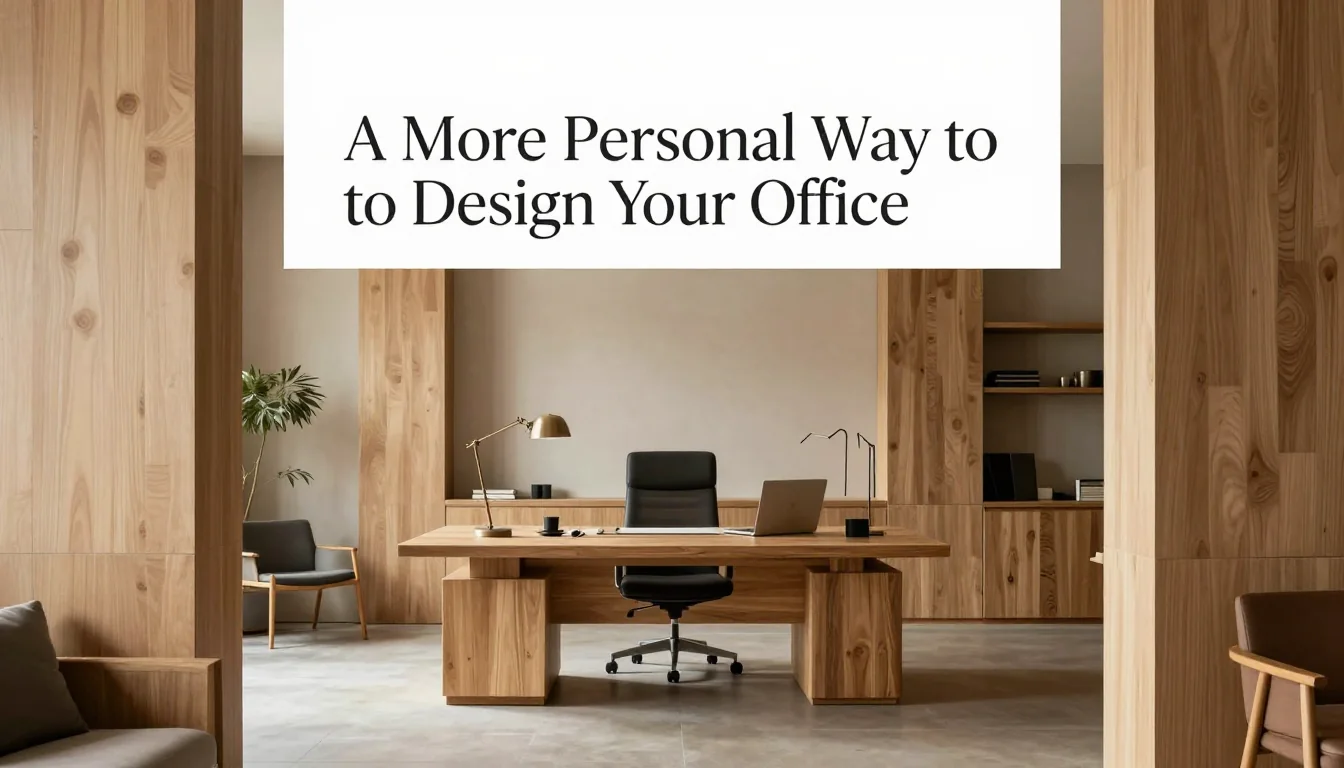
The modern office is no longer confined by four walls; it exists wherever work happens. The shift toward integrated living spaces demands that the home workspace transcend its utilitarian function. A truly effective design is not merely about fitting a desk into a corner—it is about crafting an environment that actively supports cognitive function, reduces visual fatigue, and provides psychological separation from domestic life. Successful office design requires intentionality: every color, texture, light source, and piece of furniture must contribute to the overall narrative of focus and comfort. This guide moves beyond general advice, providing specific, actionable strategies for building a personalized workspace that functions as both a productive hub and a restorative sanctuary.
Strategic Zoning and Ergonomic Placement
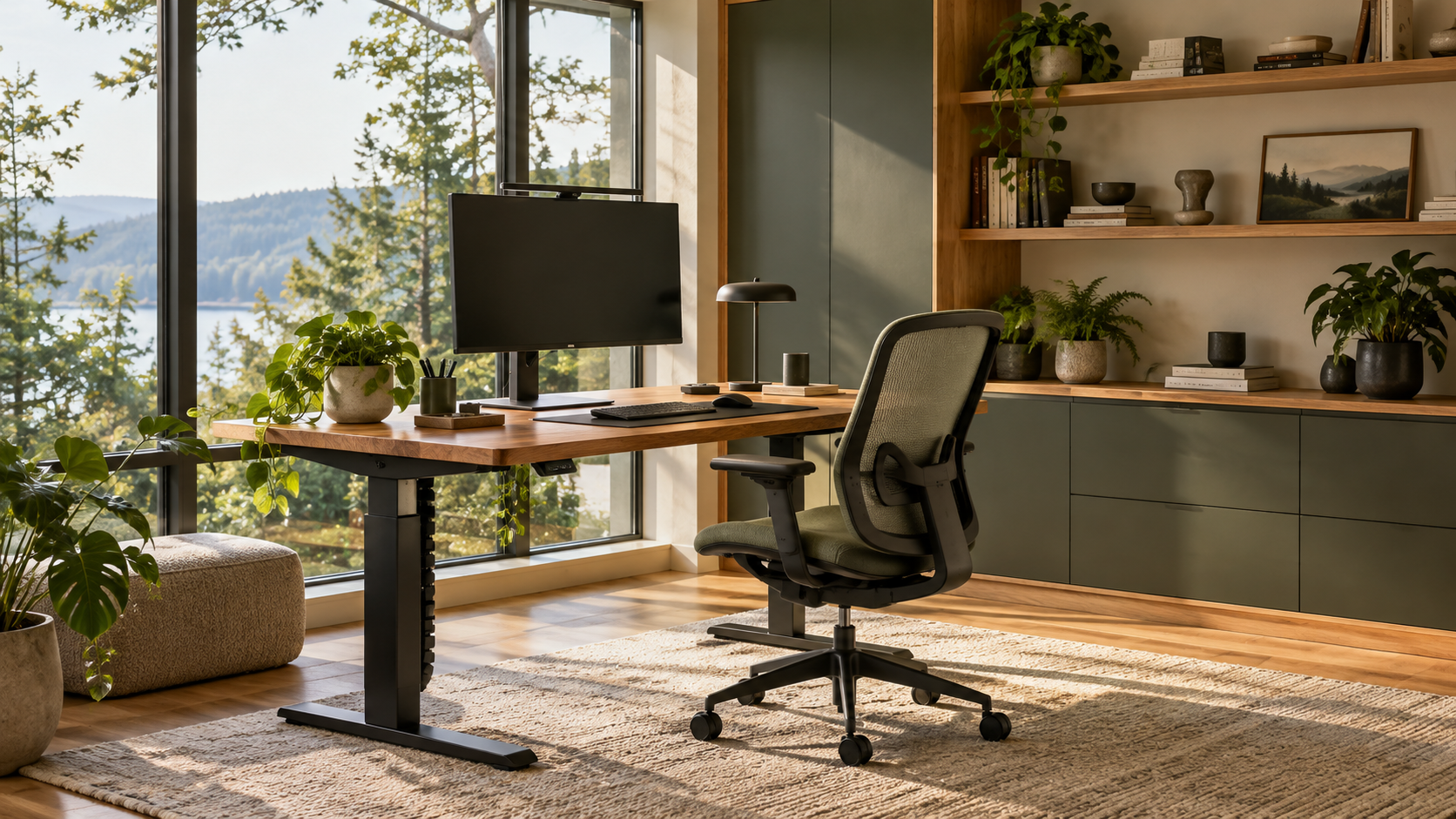
The initial decision regarding office placement dictates the entire design strategy. Instead of defaulting to a corner, evaluate how the space interacts with natural light and traffic flow within your home. For optimal alertness without screen glare, position your primary desk perpendicular (at a 90-degree angle) to the window rather than directly facing or having its back against it. This minimizes harsh reflections while allowing ambient light to wash over the workspace. If you must face the window, utilize sheer linen curtains that diffuse intense direct sunlight into soft, consistent illumination, maintaining the brightness necessary for focus without compromising screen visibility.
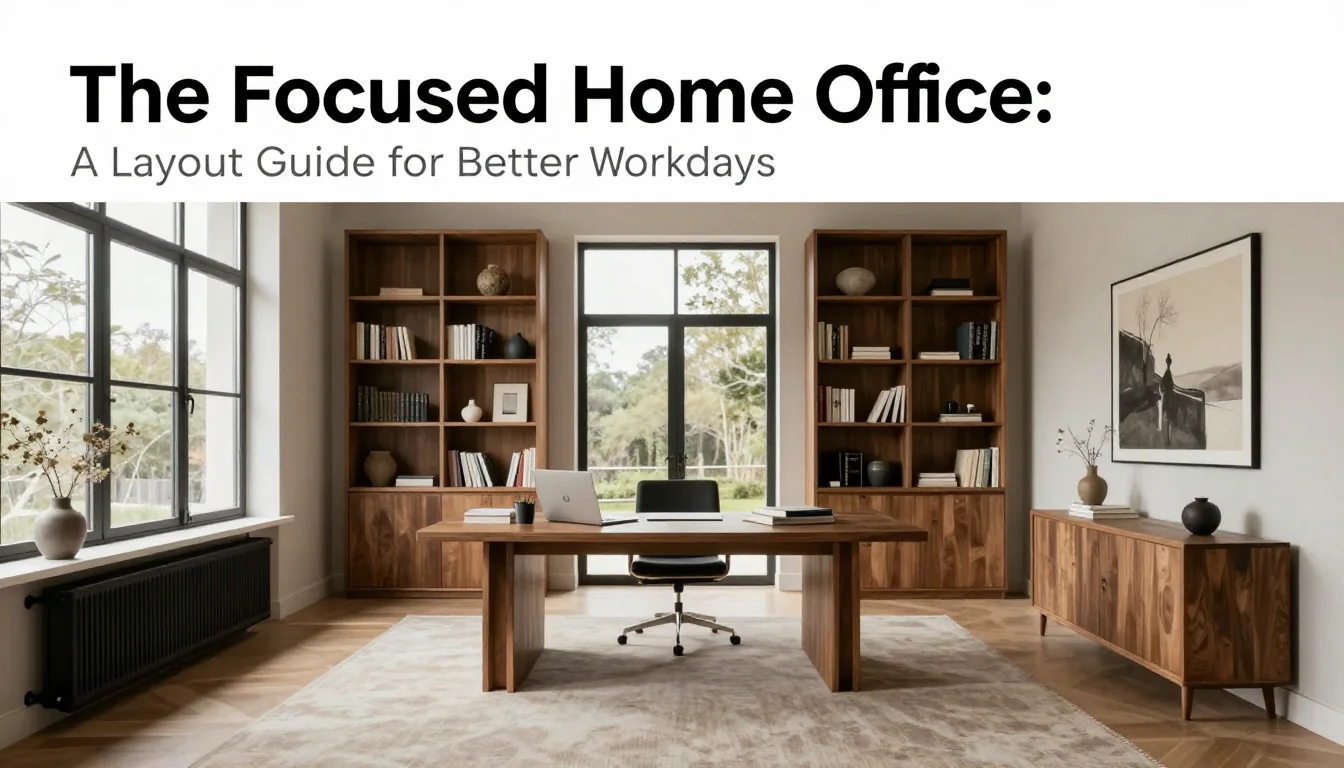
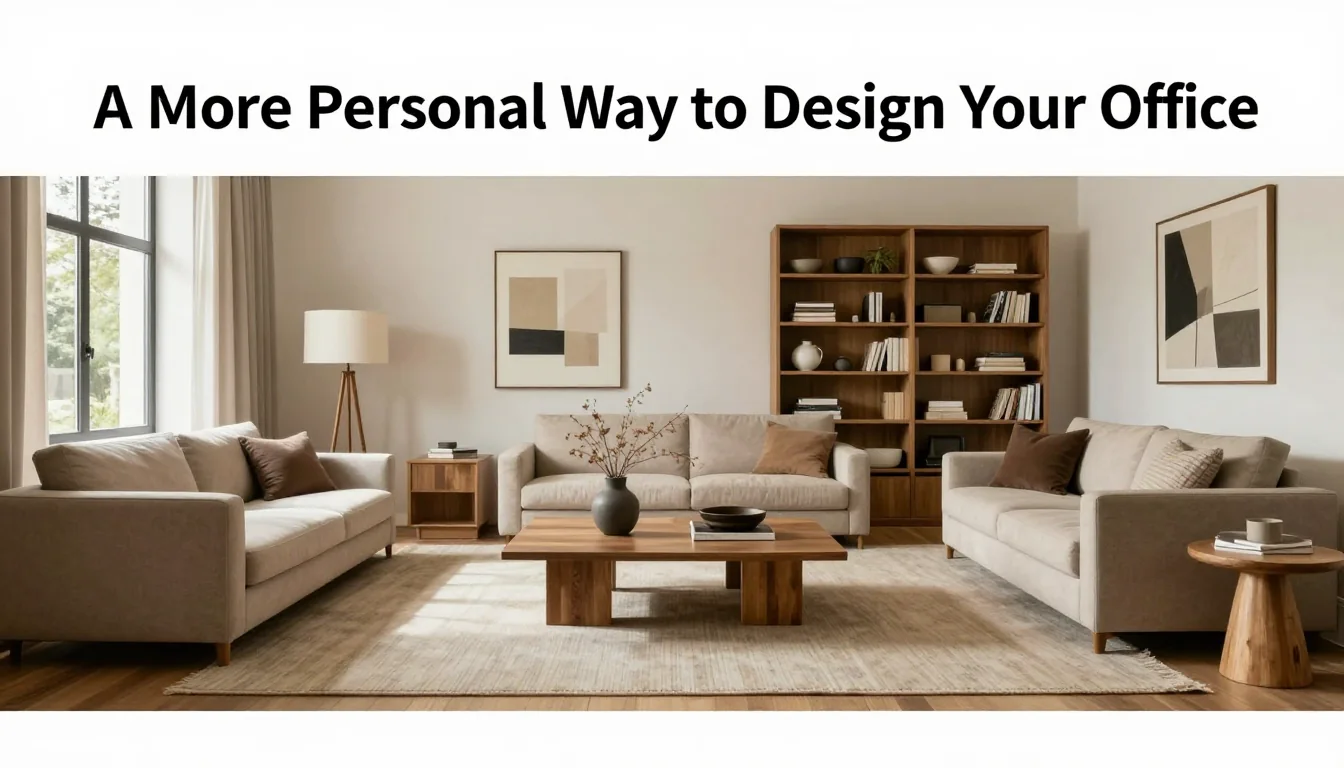
When designing an open-plan area, visual boundaries are critical for establishing a 'work mode.' A simple change in floor treatment—such as running a substantial runner rug (aim for at least 8x10 feet if the desk is central) or using a low decorative divider like a slatted wood screen—can psychologically signal where focused work begins. If space allows, define an adjacent 'transition zone'—a small reading chair and side table separate from the main desk area. This secondary zone offers a designated spot for mental breaks, preventing burnout by physically separating active labor from passive recovery.
Ergonomics must be treated as a foundational design element, not an afterthought. A standard adjustable office chair should provide lumbar support and allow your elbows to rest at roughly 90 degrees when typing. Desk height is crucial; ideally, the work surface should align with comfortable elbow height for you (approximately 28–30 inches). If using a standing desk converter, ensure it allows for smooth transitions between sitting and standing throughout your workday. A common mistake here is buying equipment that looks good but does not fit your specific physical dimensions, leading to discomfort that undermines focus.
Layering Materiality and Atmosphere
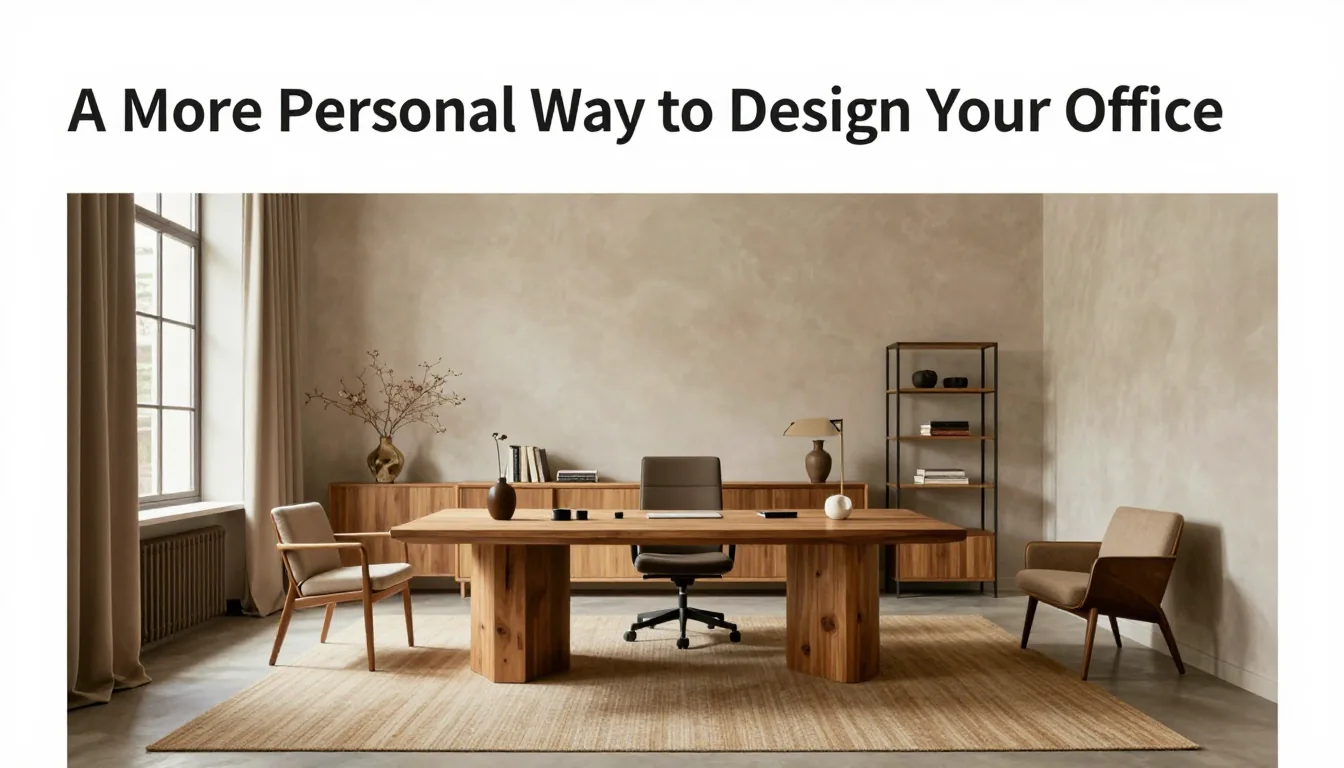
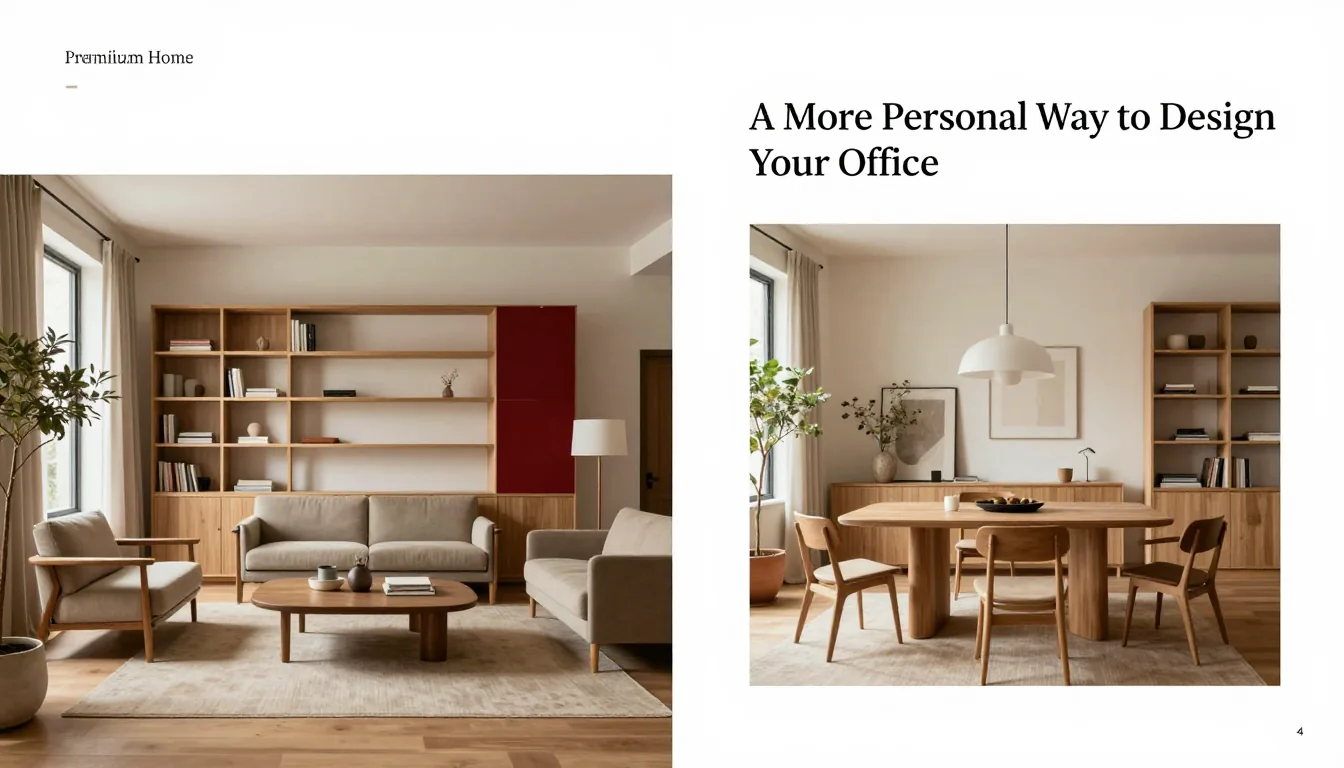
Atmosphere is built through deliberate material choices. To prevent the office from feeling sterile or corporate, layer diverse textures: introduce a dense wool rug underfoot to dampen ambient noise, select an upholstery fabric (like velvet or bouclé) for accent seating, and incorporate natural elements such as ceramic planters with low-maintenance greenery. These varied tactile inputs engage the senses positively, grounding the space. Color palettes should lean toward muted earth tones—deep sage, warm charcoal, terracotta, or oat—as these hues are known to promote visual stability and reduce cognitive stress during extended periods of concentration.
The integration of wood surfaces is essential for warmth but requires specific care based on its finish. Before applying any cleaner or polish, always perform a patch test in an inconspicuous area (like the underside of a drawer) to ensure the product does not dull or strip the lacquer or oil finish. For sealed finishes, use mild, pH-neutral cleaners and wipe dry immediately; for oiled woods, specialized wood conditioner is often preferred over harsh polishes. A trade-off exists between high-gloss lacquered furniture (which looks contemporary but shows every fingerprint) and matte, naturally finished pieces (which absorb light beautifully but require more diligent dusting).
Lighting design must mimic natural cycles to regulate mood. Avoid relying solely on a single overhead fixture; instead, layer three types of light: ambient (general room light), task (a dedicated adjustable desk lamp providing bright, focused illumination over the keyboard), and accent (small lamps or picture lights highlighting plants or art). Opt for bulbs with a warm color temperature (2700K–3000K) during non-working hours to signal relaxation. If your primary workspace is dark, strategically placing a reflective surface—like a framed piece of brushed metal or a light-colored bookshelf—can bounce available light deeper into the room.
Optimizing Workflow and Organization
Effective organization minimizes visual clutter, which is directly correlated with reduced mental load. Instead of spreading essential supplies across the desk surface, prioritize vertical storage solutions. Tall, closed shelving units (around 60-72 inches high) keep necessary files out of sight while defining the workspace boundary. For smaller items—pens, chargers, note pads—invest in drawer organizers or small, aesthetically pleasing trays that contain them within a defined footprint. The goal is to ensure that only the tools actively needed for the current task occupy your immediate desktop space.
Cable management should be treated as an aesthetic priority. A tangled nest of charging cords immediately detracts from any sophisticated design. Utilize cable sleeves or raceways mounted under the desk surface to gather and conceal power strips and wires before they reach the floor. For monitors, use VESA mounts that allow you to lift them off the desk plane by 4-6 inches; this freed space can then be used for small organizational trays or a keyboard wrist rest, significantly improving both aesthetics and ergonomic posture.
Consider designing your office around task specificity rather than just 'working.' If you frequently take video calls, ensure your primary seating arrangement allows for optimal camera angles. If your work involves deep reading or sketching, designate a specific corner with comfortable, non-desk furniture—a high stool or lounge chair paired with an adjustable floor lamp. This micro-zoning within the office allows you to shift your physical posture and environment to match the cognitive demands of the task at hand, making the space truly adaptable to your evolving professional life.
Practical Planning Notes
Set the top third of the screen near eye level, keep elbows near 90 degrees, and place keyboard and mouse on one plane.
Material Perspective
A solid desktop absorbs visual warmth; matte laminates can be resilient for daily work; cable trays prevent visual clutter.
Before You Commit
Test chair adjustment, screen distance, task lighting, and the cable route before fixing furniture in place.
For related, room-specific ideas, continue with the guides in this category or return to the Furnlyra home page.