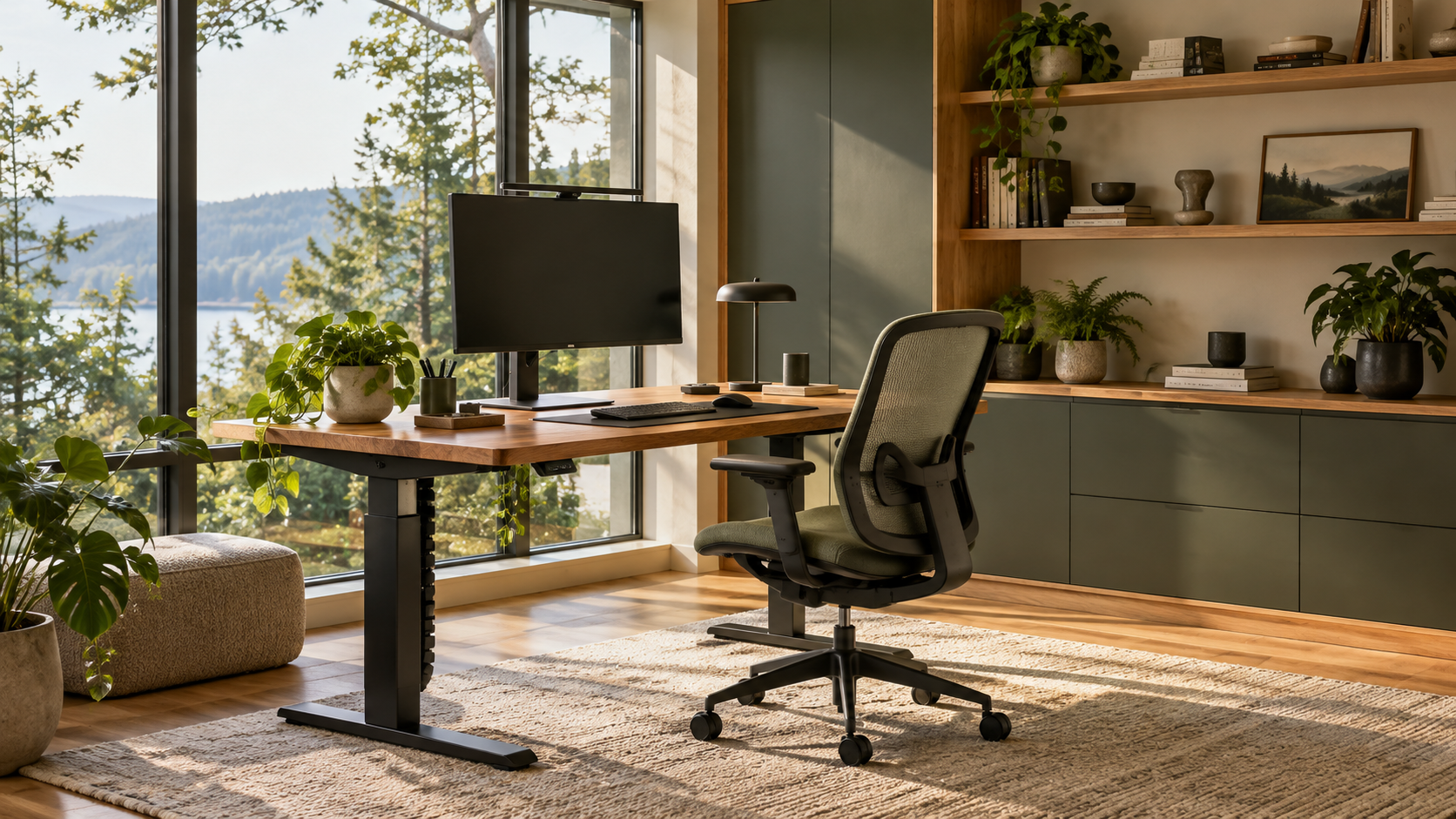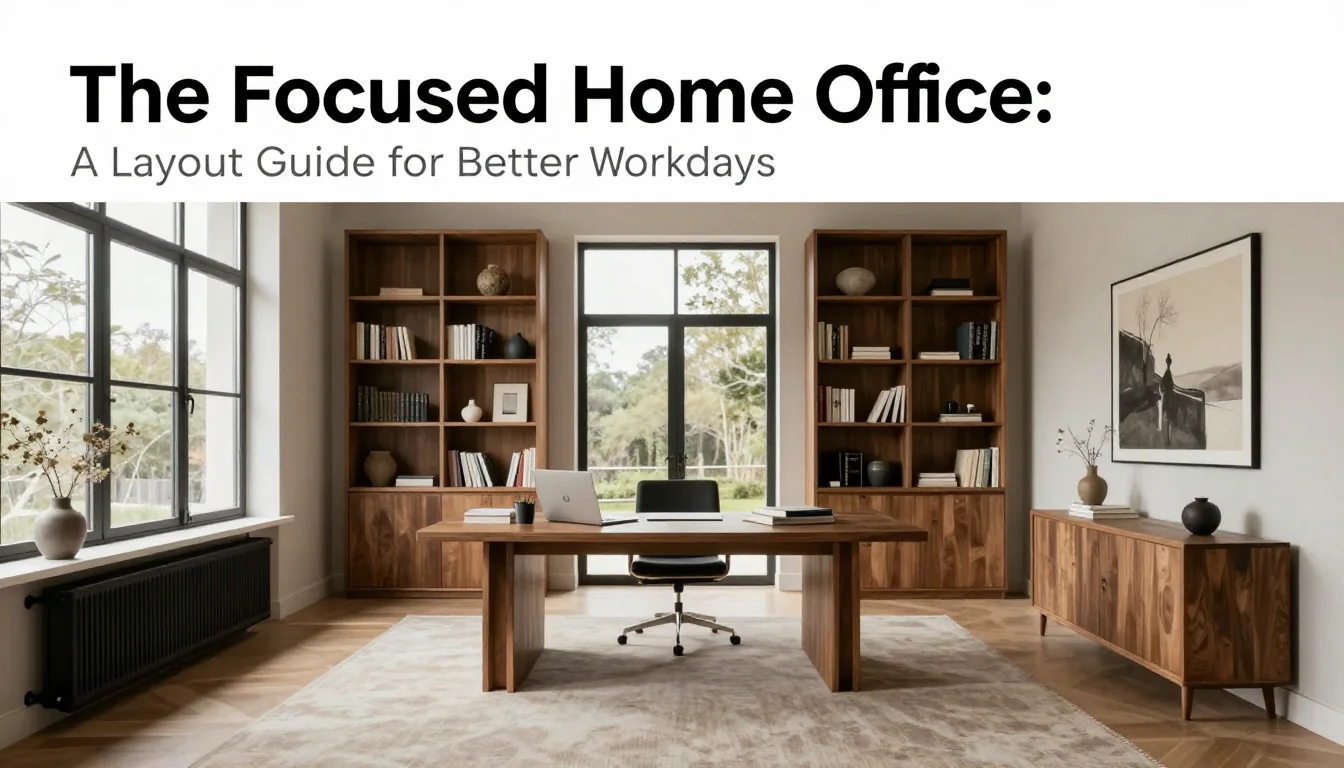
Effective lighting in a dedicated workspace is not simply about brightness; it is fundamentally about control. The goal of designing a non-glare environment is to create consistent visual comfort—a space where the eyes remain relaxed whether you are reading physical documents, staring at a monitor during a video call, or working late into the evening. Harsh glare introduces strain, disrupts focus, and can severely compromise professional presence. This guide provides specific architectural and fixture decisions to layer light strategically, ensuring your office supports productivity rather than fighting visual fatigue.
Mastering Natural Light Angles
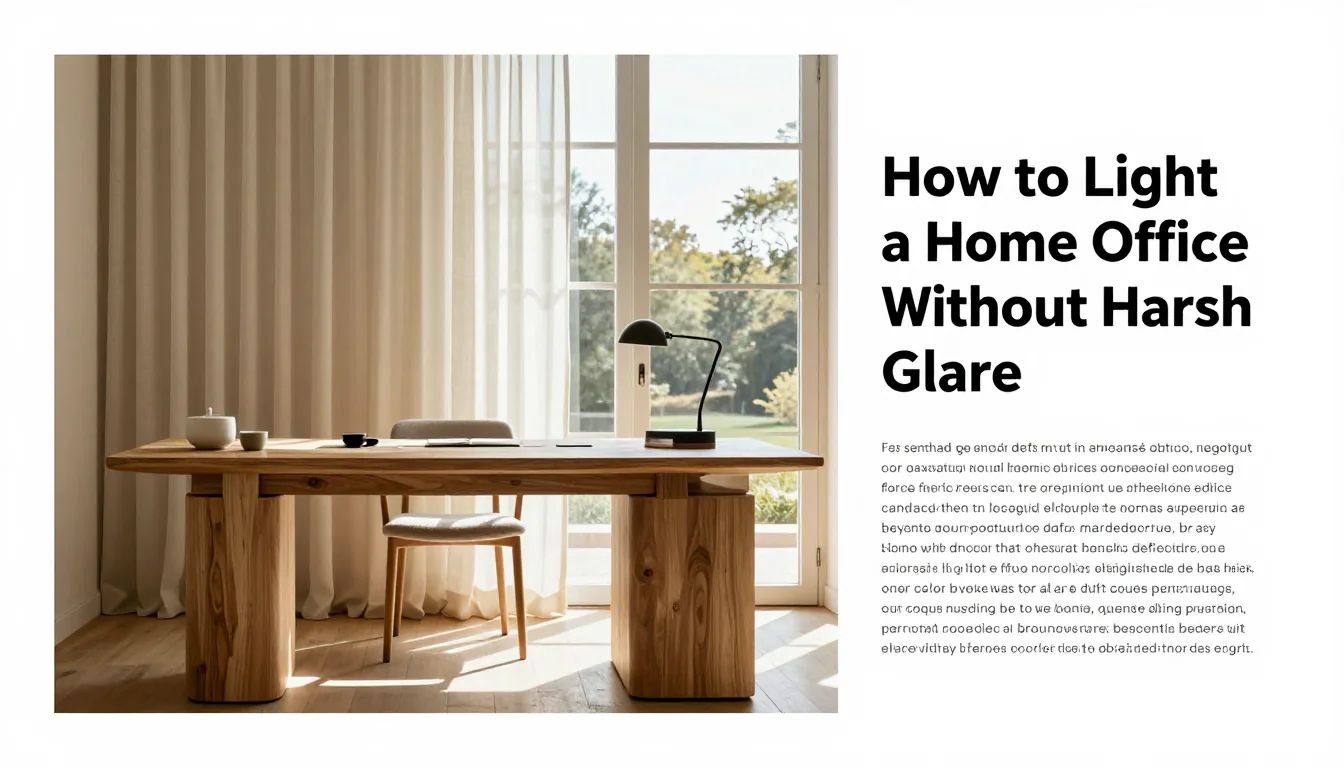
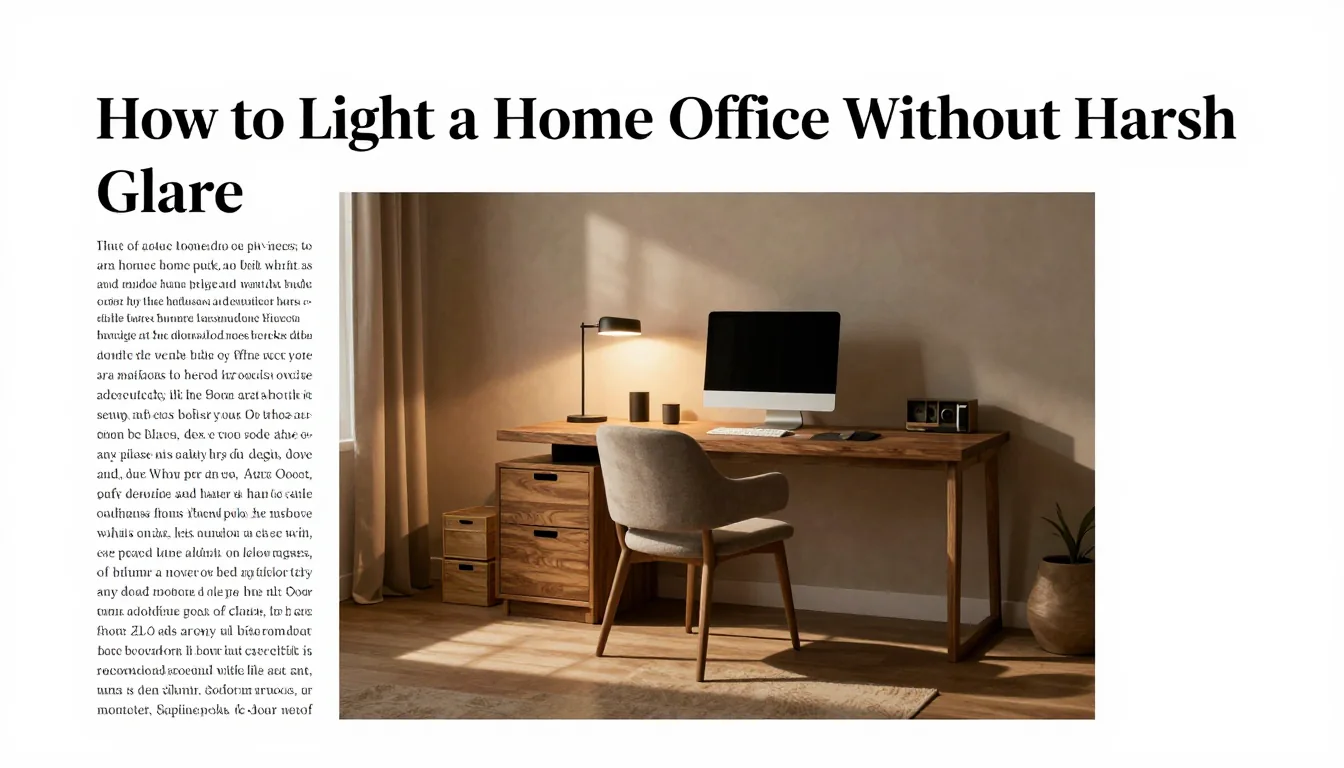
The primary source of glare is often uncontrolled daylight entering through windows. The most effective initial decision involves desk orientation: avoid placing the monitor directly perpendicular or facing a large window, as this creates strong reflected light (screen flare) or forces your eyes to constantly adjust between bright and dim zones. Ideally, position your workspace so natural light enters from the side—either left or right—allowing it to illuminate surfaces rather than hitting reflective screens or creating direct shadows across your work area. If structural limitations prevent ideal placement, use sheer roller blinds or internal cellular shades that diffuse incoming sunlight evenly before it enters the room.
When managing high-intensity sun exposure, Venetian blinds are useful for directional control, but they must be angled correctly. Instead of closing them entirely (which blocks light), angle the slats to bounce the sunlight up toward the ceiling rather than allowing it to stream directly onto your desk or monitor surface. For maximum flexibility and minimal visual intrusion, consider motorized shades that can adjust opacity throughout the day based on solar intensity readings, transitioning from fully sheer during peak hours to opaque for deep focus work.
A common mistake is relying solely on blinds without considering ambient light balance. If a single window provides intense directional light while the rest of the room remains dim, the contrast causes eye fatigue regardless of how well the blinds are adjusted. The trade-off here is between complete light blockage and effective diffusion. To mitigate this, ensure that your supplementary artificial lighting (ambient sources) is calibrated to match the general luminance level outside when the sun is strongest. This prevents abrupt visual shifts as you transition from daylight work to indoor tasks.
Precision in Task and Monitor Lighting
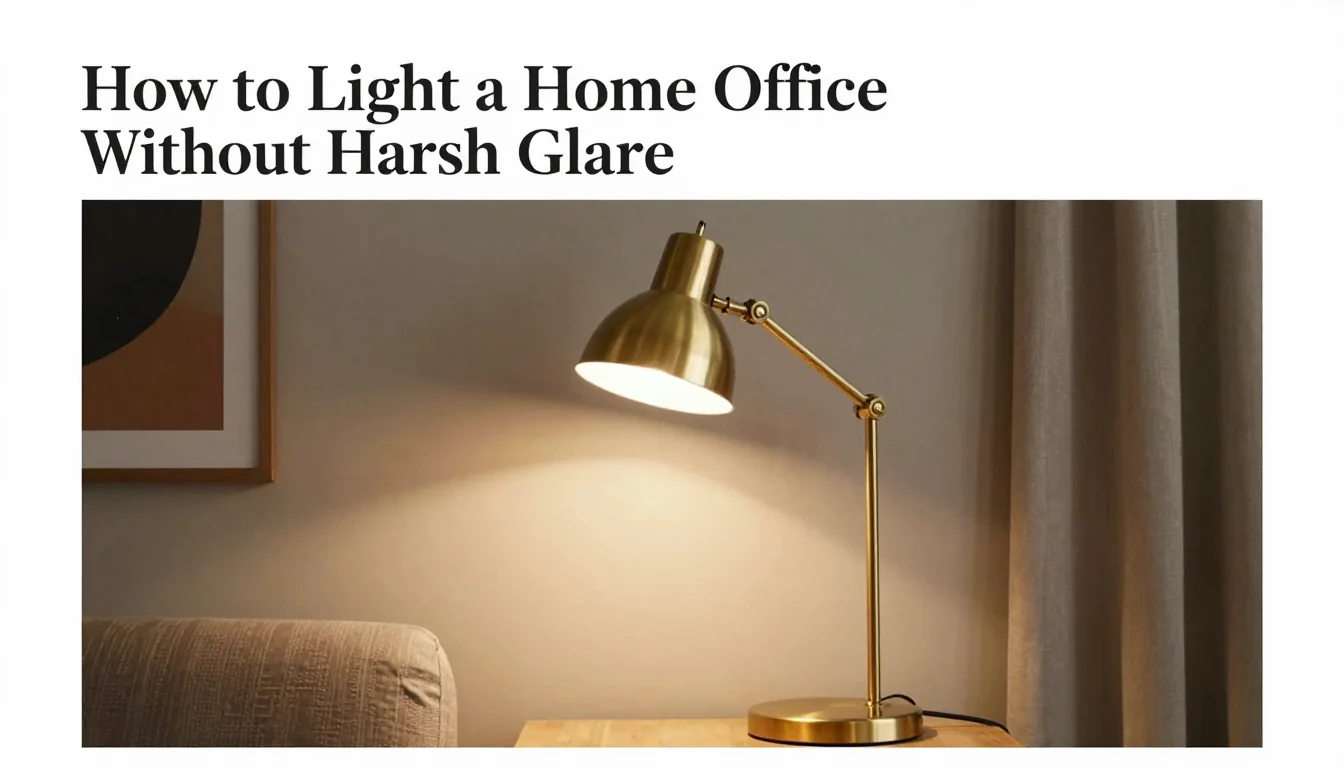
Task lighting must be highly localized, directed precisely where it is needed (e.g., on a keyboard or paperwork), and kept separate from the monitor's light field. Instead of using an overhead ceiling fixture that casts broad light across your desk—creating shadows under chin lines and forcing upward gaze—invest in articulating arm lamps or vertical sconces. These fixtures allow you to precisely aim a concentrated pool of light (often 400–600 lux is sufficient for detailed work) onto the immediate surface, minimizing spillover that could cause secondary glare on your screen.
When selecting task lights, the Color Correlated Temperature (CCT) is as important as the brightness. For high-focus tasks like writing or coding, choose bulbs in the 3500K to 4500K range (cool white/neutral daylight). This temperature mimics natural midday light and promotes alertness. However, for evening video calls or reading comfort, transition to a warmer setting (2700K–3000K) using dimmable fixtures. The trade-off is between high visual energy (4500K) and sustained eye comfort (3000K).
A critical design detail for monitor use is the placement of supplemental light behind the screen, known as bias lighting. Placing a low-intensity LED strip (around 6500K is often too cool; 3000K to 4000K works best) approximately 27–30 inches behind the monitor helps reduce eye strain by lowering the contrast ratio between the bright screen and the dark wall. This prevents the eyes from being constantly pulled toward the brightest point in the room, a common source of perceived glare even when direct light is absent.
Layering Ambient Light for Visual Depth
Ambient lighting provides the overall, soft illumination that prevents sharp shadows and high-contrast transitions. It should never be a single point source (like one large overhead fixture). Instead, layer light using indirect sources: floor lamps placed in corners to bounce light off walls, or table lamps positioned away from the immediate workspace. By reflecting light off matte surfaces—such as plaster, untreated wood, or linen textiles—you achieve a soft glow that fills the room evenly without creating harsh hotspots.
The key to successful layering is managing intensity and proximity. If your primary task lamp is set to 100% brightness, but all other ambient lights are off, the contrast will be jarring. Use dimmers on every light source (ceiling, floor, table) so that you can create a cohesive 'light map.' For example, during an evening call, the task lamp might remain at 60%, while two strategically placed corner lamps provide soft, low-level fill light at 25%. This gradual transition prevents visual shock.
A common mistake is prioritizing purely aesthetic lighting over functional ambient support. A beautiful decorative lamp that produces a tiny, highly localized beam of light will do little to reduce overall eye strain. Prioritize fixtures with broad dispersion patterns and warm color temperatures (under 3000K) for background illumination. Furthermore, when choosing finishes for surfaces in the office—such as matte paint versus high-gloss lacquer—remember that gloss surfaces reflect light aggressively; opting for a low-sheen or matte finish significantly reduces overall glare potential.
Practical Planning Notes
Set the top third of the screen near eye level, keep elbows near 90 degrees, and place keyboard and mouse on one plane.
Material Perspective
A solid desktop absorbs visual warmth; matte laminates can be resilient for daily work; cable trays prevent visual clutter.
Before You Commit
Test chair adjustment, screen distance, task lighting, and the cable route before fixing furniture in place.
For related, room-specific ideas, continue with the guides in this category or return to the Furnlyra home page.